• Winlator Ludashi No Sound Fix: Audio Problems Explained

    Winlator LuDaShi Audio Not Working? Sound Fixes & Solutions Playing Windows PC games on Android through Winlator Ludashi can provide a great experience. Winlator Ludashi may run games smoothly but still experience audio issues, such as no sound, missing voices, crackling, delays, or sound stopping after loading. These problems often occur because Windows games rely…
  • Winlator Ludashi Performance Issues: FPS Drops, Lag, and Stuttering Diagnosis

    Winlator LuDaShi Lag Fix – FPS Drops, Stuttering & Performance Copy title Running PC games on Android with Winlator Ludashi can deliver impressive results, but issues such as low FPS, stuttering, frame drops, input lag, and slow loading can affect gameplay. These problems are not always caused by weak hardware. Performance also depends on CPU…

  • Winlator Ludashi Games Not Starting: Fixes and Launch Errors Explained

    Winlator LuDaShi Game Crash Fix – Causes & Solutions Games may fail to launch in Winlator Ludashi for several reasons. They may close immediately, freeze, or crash during startup. Common causes include corrupted game files, incorrect container settings, incompatible Wine or Proton versions, CPU translation issues, graphics driver problems, and missing Windows components. Why Are…

  • Winlator Ludashi Black Screen Fix: Complete Solutions

    Winlator LuDaShi Black Screen Fix: Game Launch & Graphics Issues A black screen is a common problem when running Windows PC games through Winlator Ludashi. In some cases, the game launches normally, with audio and controls working, but the display remains completely black. Sometimes, the screen turns black after the game logo or loading screen…

  • How to Add PC Games to Winlator Ludashi: EXE Installation Guide

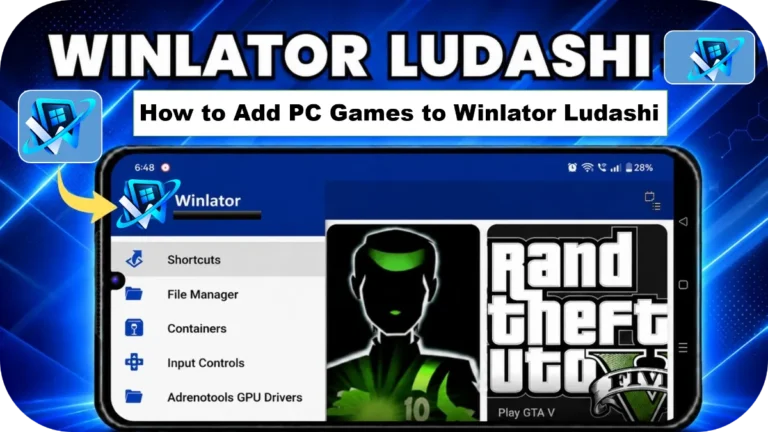
    Winlator LuDaShi EXE Installation Guide – Install PC Games on Android Winlator Ludashi allows Android users to run many Windows PC games directly on their smartphones. Instead of installing games like normal Android applications, users need to add Windows game files and run them through a Winlator container. For many beginners, the process can be…

  • Winlator Ludashi Container Setup: Create, Configure, and Manage Containers

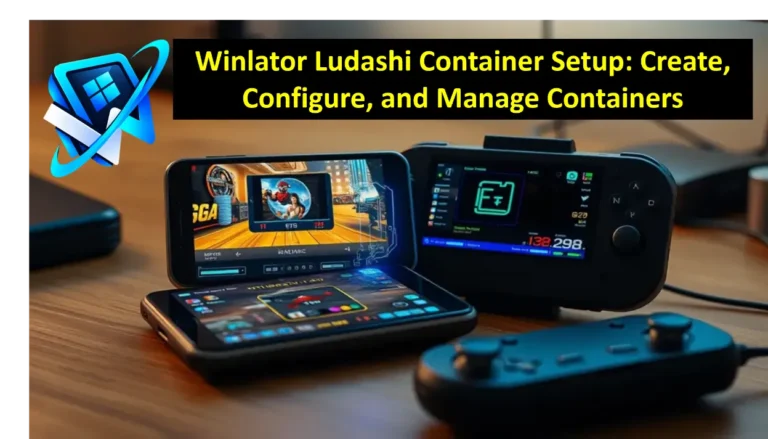
    Winlator LuDaShi Container Setup Guide: Create & Configure Are you finding the best settings for the Winlator Ludashi containers? The right configuration can help fix game crashes, improve performance, and run Windows games more smoothly on your Android device.  Learn how to create containers, select suitable graphics drivers, adjust compatibility settings, and optimize performance for…

  • GTA Games on Winlator LuDaShi: Performance, Settings, and FPS Guide

    GTA Games on Winlator LuDaShi: Best Settings, Performance & FPS Guide Playing Grand Theft Auto games on Android through Winlator LuDaShi can bring classic PC gaming to compatible smartphones. Performance varies considerably depending on the GTA title, your phone’s processor, GPU drivers, available RAM, and emulator configuration. Older games such as GTA III, Vice City,…

  • Winlator LuDaShi Best Settings for FPS: Performance Optimization Guide

    Best Winlator LuDaShi Settings to Improve FPS and Gaming Performance The best Winlator LuDaShi settings for FPS depend on your phone’s chipset, GPU, available RAM, and the Windows game you want to run. For many devices, a practical starting point is to use a compatible graphics driver, lower the rendering resolution, choose a suitable Box64…